How Skoolyte works
What we sell, who pays for it, and every step from signing up to paying the monthly bill.
What we sell
Skoolyte is online school management software, made by Zindawar Technologies in Pakistan. Schools use it in a web browser to run their office: students, fees, attendance, exams, staff and accounts.
Who pays
Our customers are private schools and madrasas. The school (its owner or office) pays us a monthly subscription. Parents and students do not pay Skoolyte.
How it is charged
Free for schools with up to 200 students. The Paid plan is Rs 6,000 a month up to 400 students, then Rs 1,000 more for every 100 students up to 1,000, for all campuses together, with no setup fee. It is billed on the 1st of every month.
What schools get
One app for the whole school office. A few of the main parts are below; the features page lists everything.
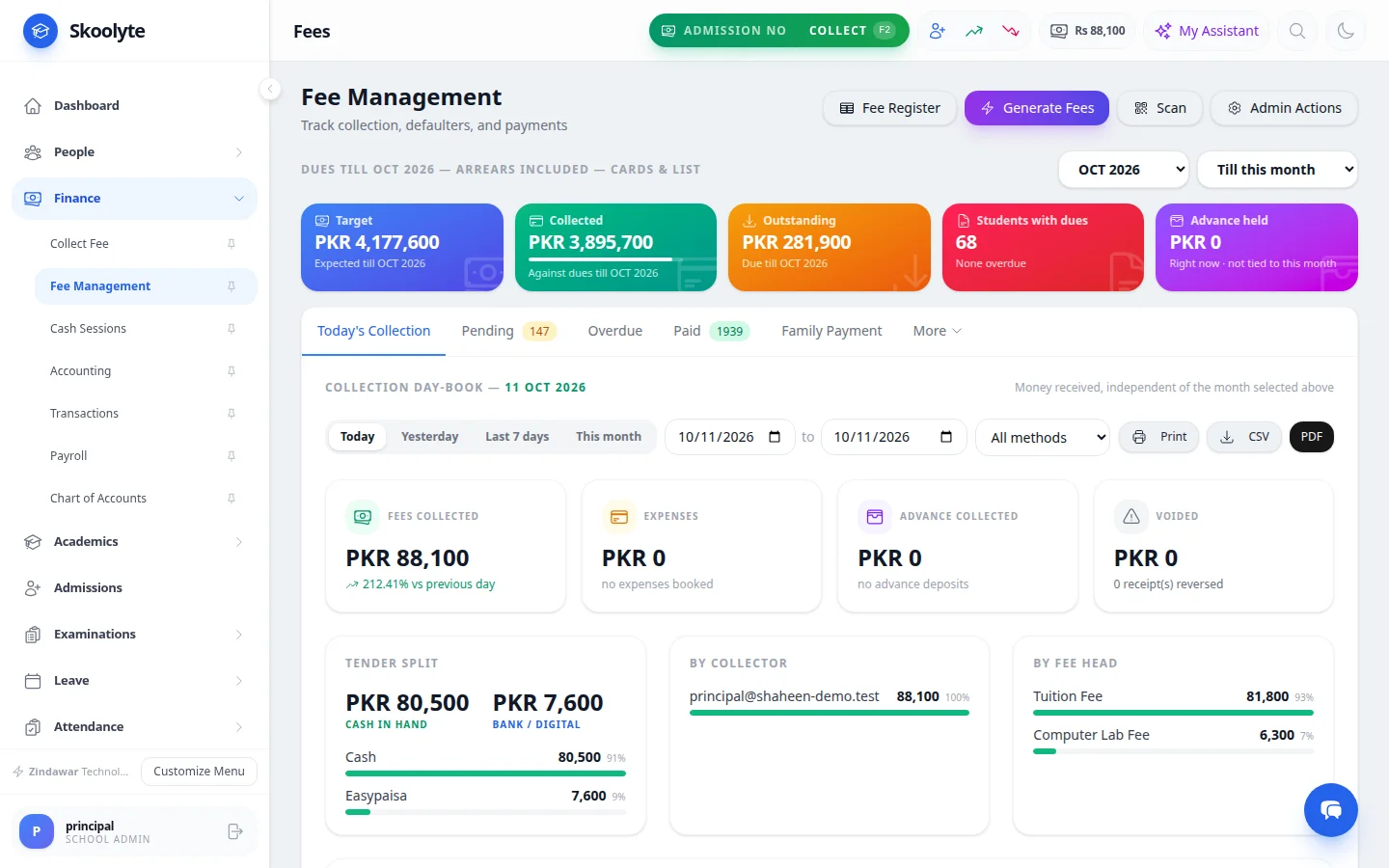
Fees →
Class fees, discounts, vouchers, collection at the counter, receipts and dues reports.
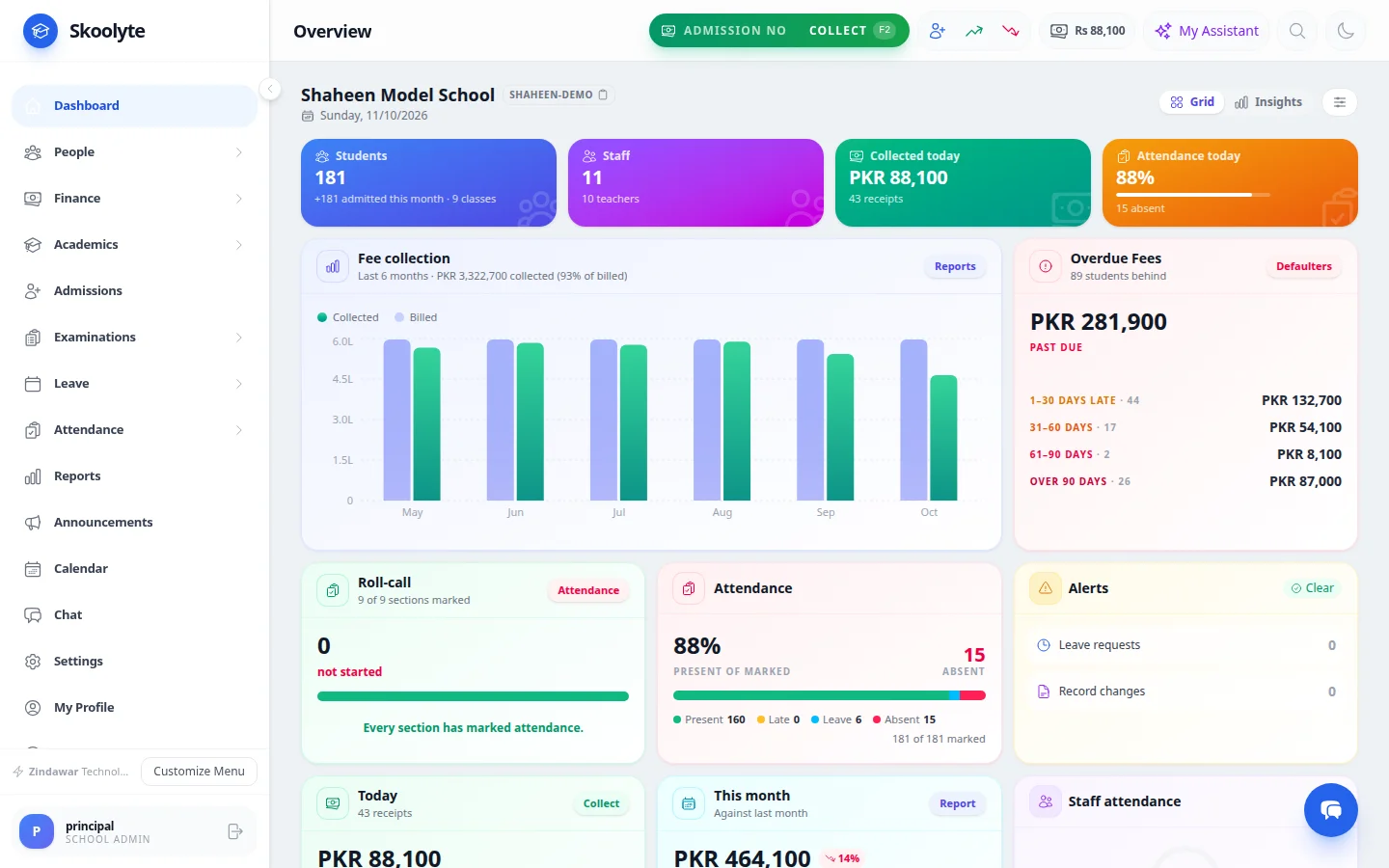
Dashboard →
Students, fees collected and outstanding, attendance and alerts on one screen.
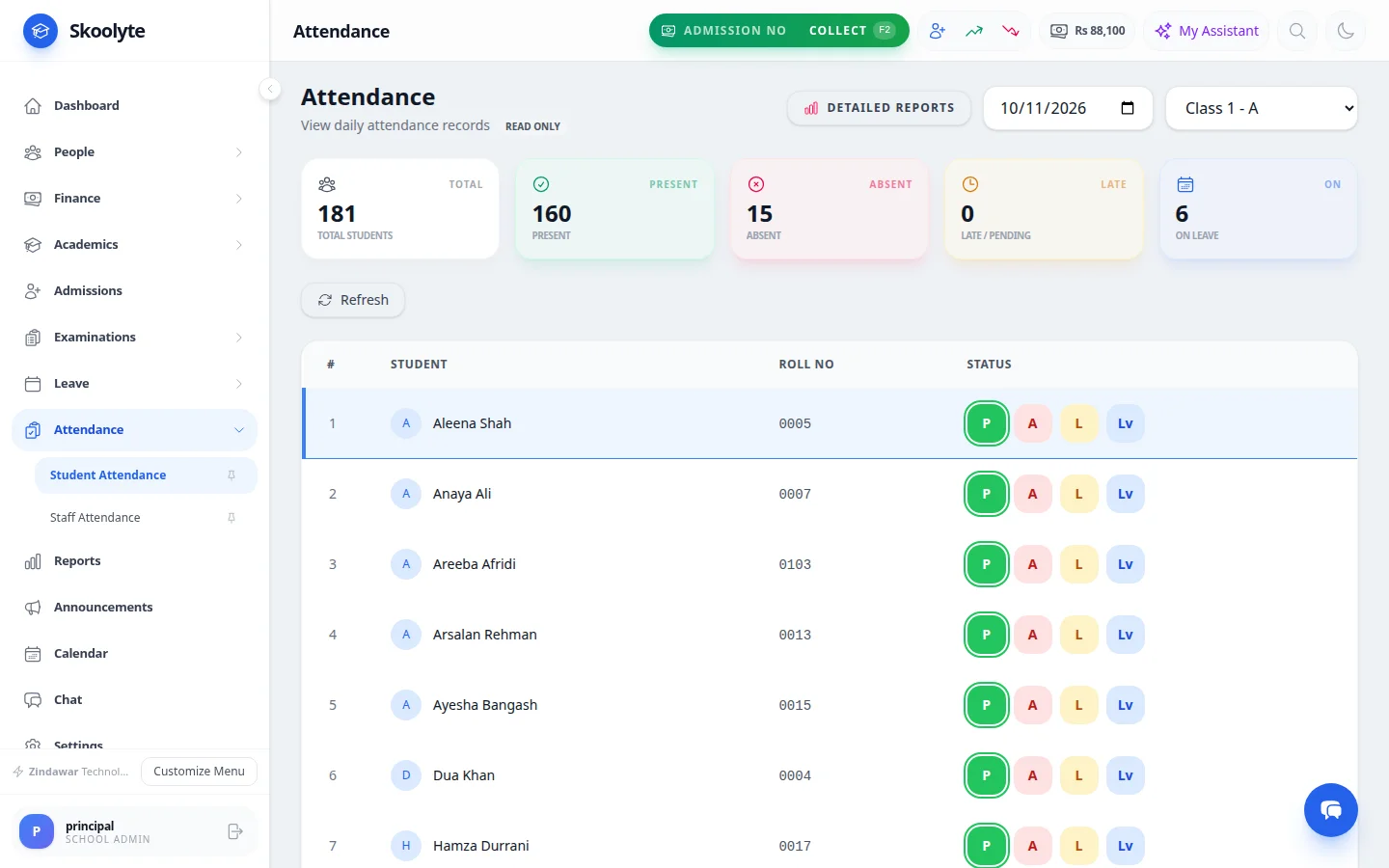
Attendance & diary →
Daily student and staff attendance, absent lists for parents, class diary.
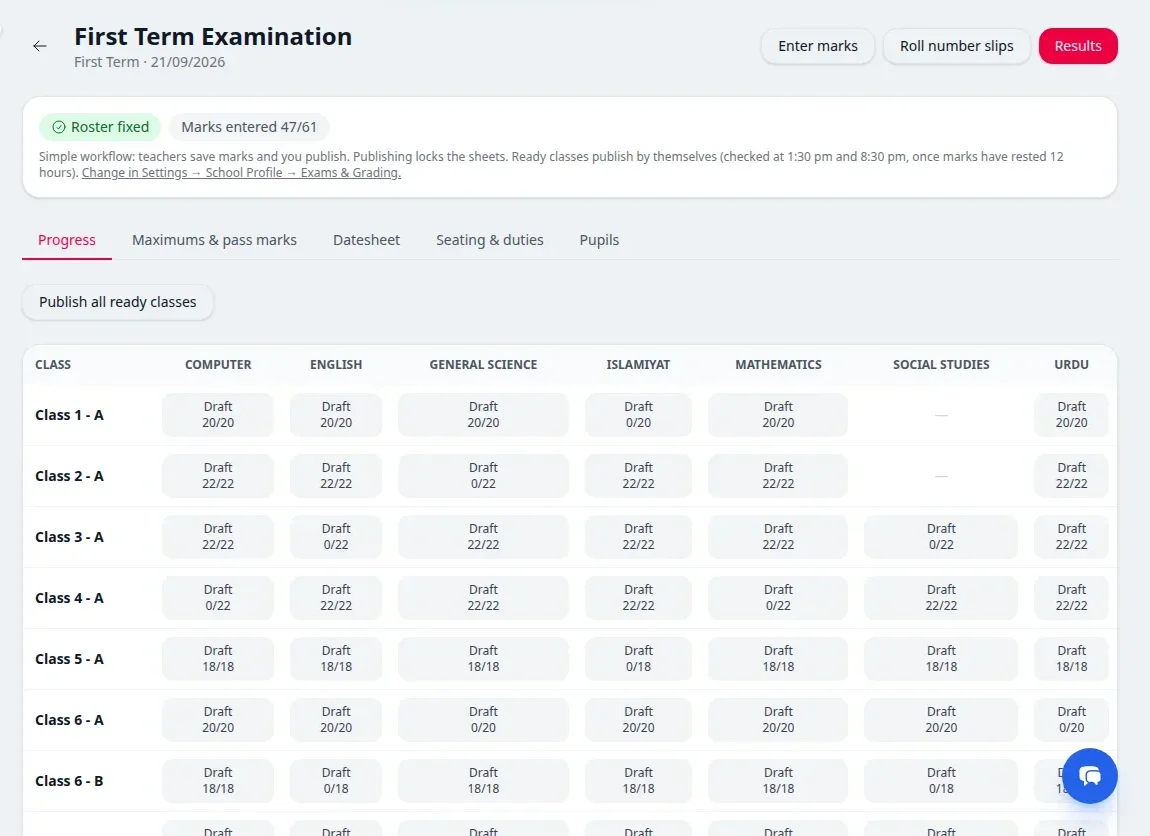
Exams & results →
Marks entry, result cards, positions, question papers and roll number slips.
Free plan
Rs 0 · Up to 200 students
Everything a single school needs day to day, with no end date.
Paid plan
Rs 6,000 a month, up to 400 students · No student limit
The whole school office at one monthly price for all your campuses, set by how many students you have.
From first visit to paid bill
The whole journey for a school, step by step.
- 1
Look around
The school owner reads about the features and the plans on this website, and can ask us questions by chat, phone or email, or ask for a demo.
- 2
Sign up free
They create the school’s account with the school’s name, city and phone and their own name and email, confirm the email, and start using Skoolyte at app.skoolyte.com straight away.
- 3
Try every feature
A new school gets the Paid plan free for its trial. Our team helps import students and fees. After the trial the school stays on the Free plan unless it chooses the Paid plan.
- 4
Choose the Paid plan
The price comes from the number of active students: Rs 6,000 a month up to 400 students, then Rs 1,000 more for every 100 students up to 1,000, all campuses together. The school picks its add-ons, and its price is written in an order form and shows on the school’s Billing page.
- 5
Get the monthly bill
On the 1st of each month Skoolyte makes a bill at the price for the students active that day. It appears under Settings → Billing with a bill number, the amount and a due date.
- 6
Pay online or by bank
On the Billing page the school presses “Pay with JazzCash” or “Pay with Easypaisa” and is taken to our payment partner’s secure page to approve the payment. Or it pays by bank transfer, quoting the bill number.
- 7
Confirmation
The school comes back to its Billing page with a message that the payment went through. When our payment partner confirms it, the bill is marked paid by itself, with a receipt to print.
- 8
Keep using Skoolyte
Nothing is shipped: the paid features simply stay on. If a bill is two months overdue, paid features pause until it is paid; the school’s records are never deleted.
How we use online payment
Schools can pay their Skoolyte bill online with JazzCash or Easypaisa, through our payment partner. This is how it is used:
- Only schools use it, to pay Skoolyte’s own monthly bills (and add-ons agreed as part of that bill). Parents and students never pay Skoolyte anything.
- The amount is fixed by the bill: the school pays what is left to pay on that bill, in Pakistani rupees. It cannot type in a different amount.
- Payment happens on our payment partner’s page. The school’s wallet PIN, card or bank details never reach Skoolyte and we do not store them.
- Each payment is tied to one bill number, so we can always match a payment to a school and a month.
- Bank transfer stays available for schools that prefer it.
- Refunds, for example of a bill paid twice, follow our Refund Policy and go back to the same wallet or bank account.
Try Skoolyte with your own school
Free for schools with up to 200 students. Bring your Excel lists, and we'll train your staff.